Open Source · AGPL-3.0 · v1.0

Your CRM.
In your pocket.

The first native mobile client for Twenty CRM. Connect to your self-hosted instance. Own your data, completely.

Not affiliated with Twenty CRM — independent open-source project
App Store Google Play View on GitHub
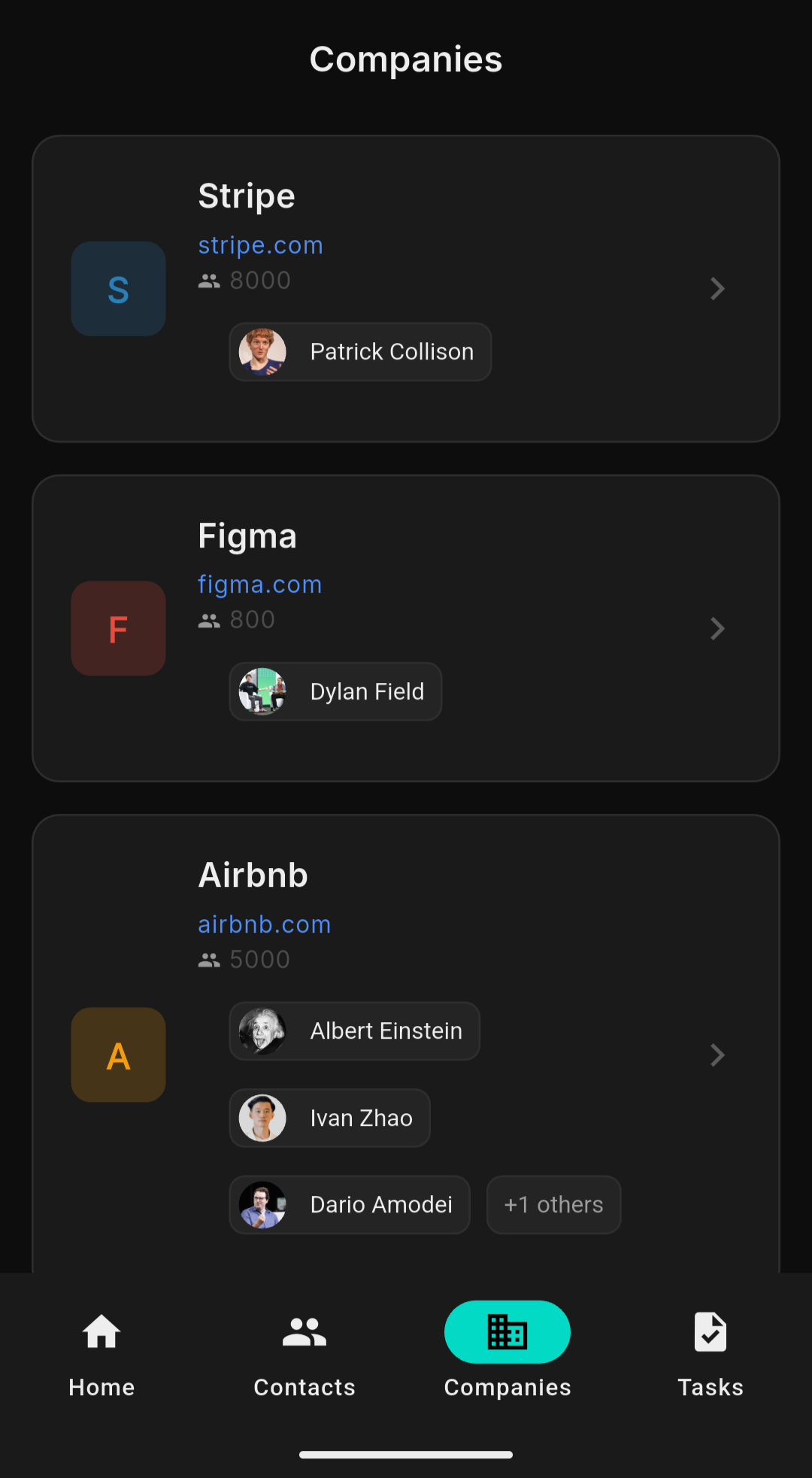
Companies
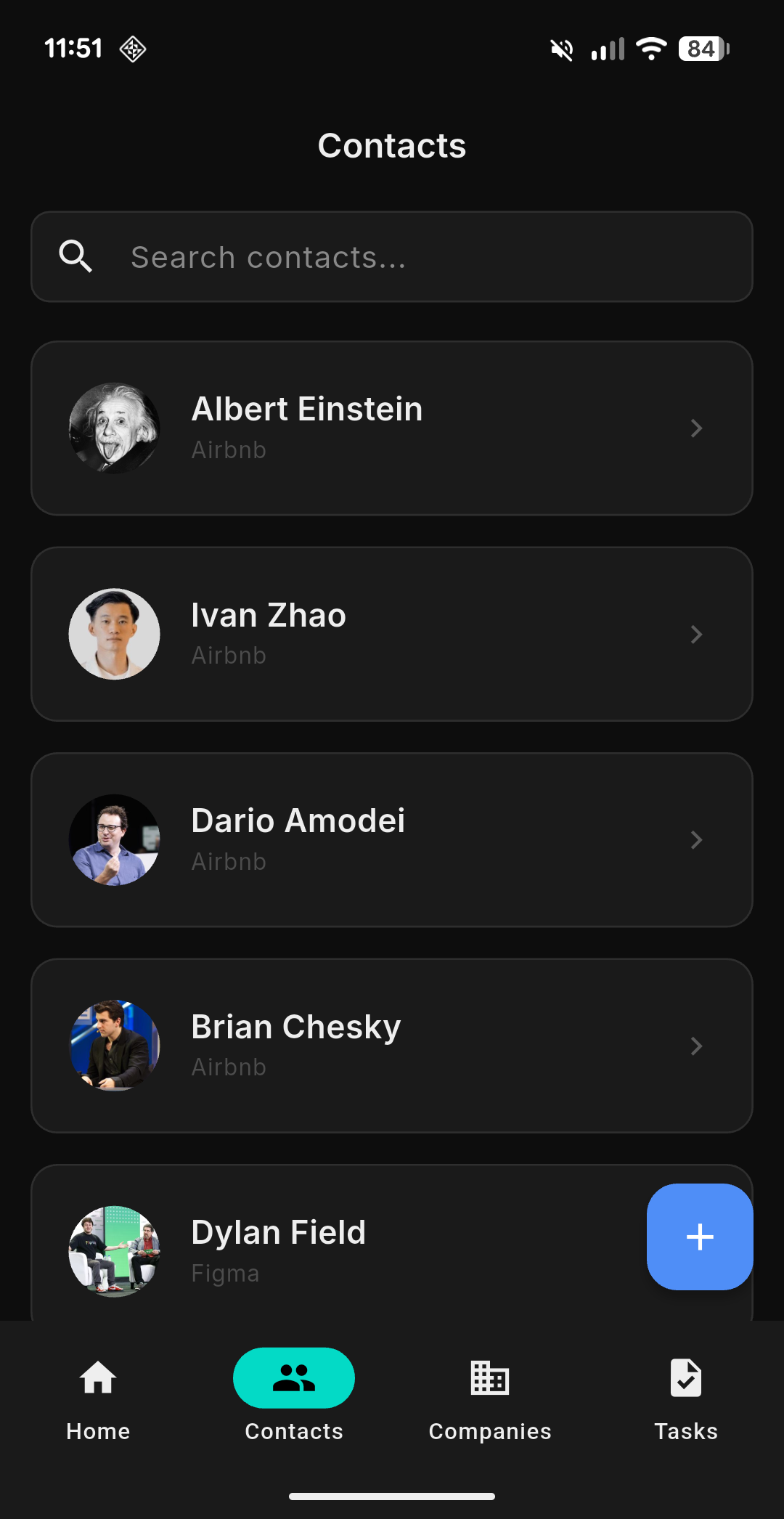
Today Contacts Tasks Scanner Dark Mode
Task detail

Built for how
you actually work.

Everything you need from your CRM, optimized for one-handed mobile use.

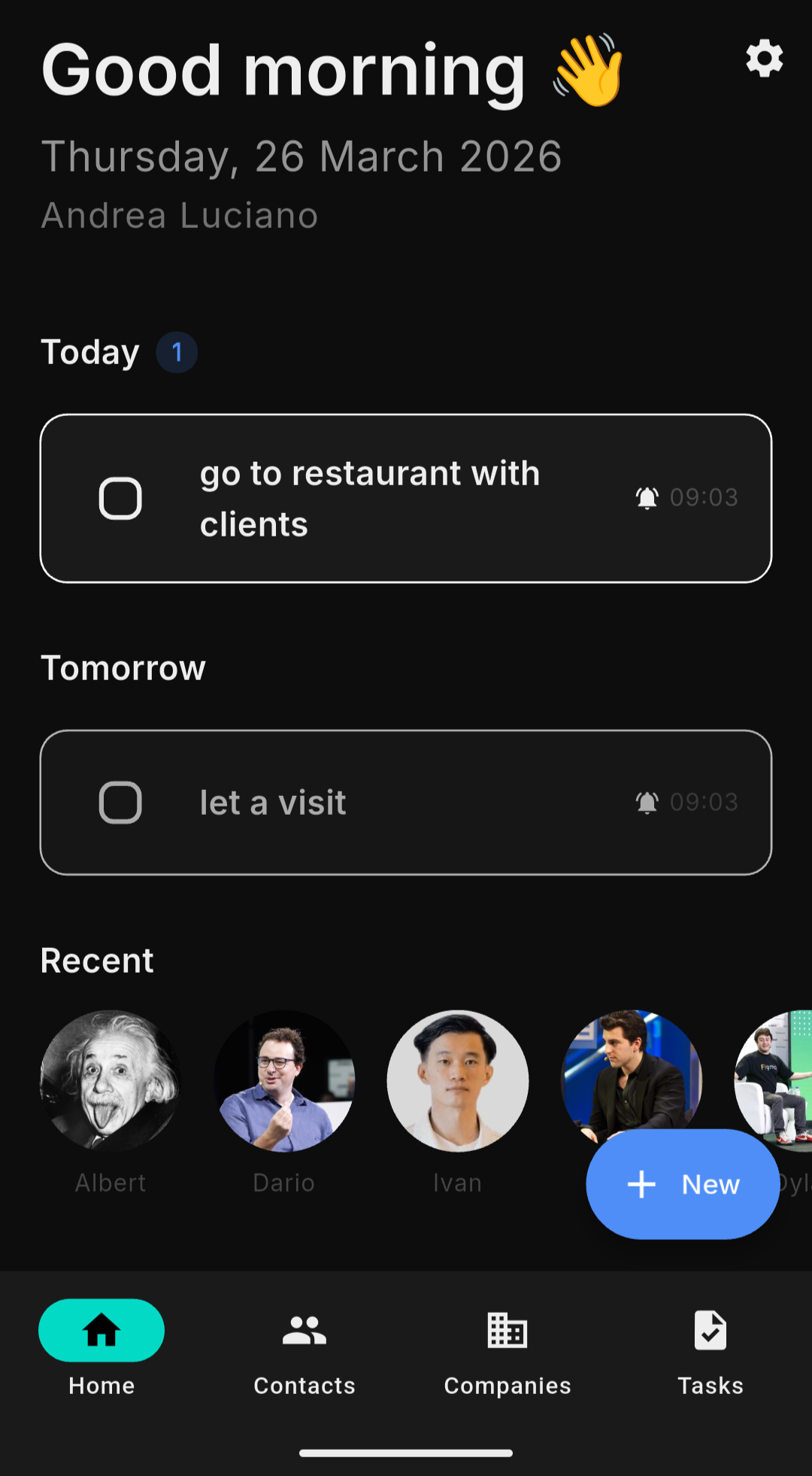
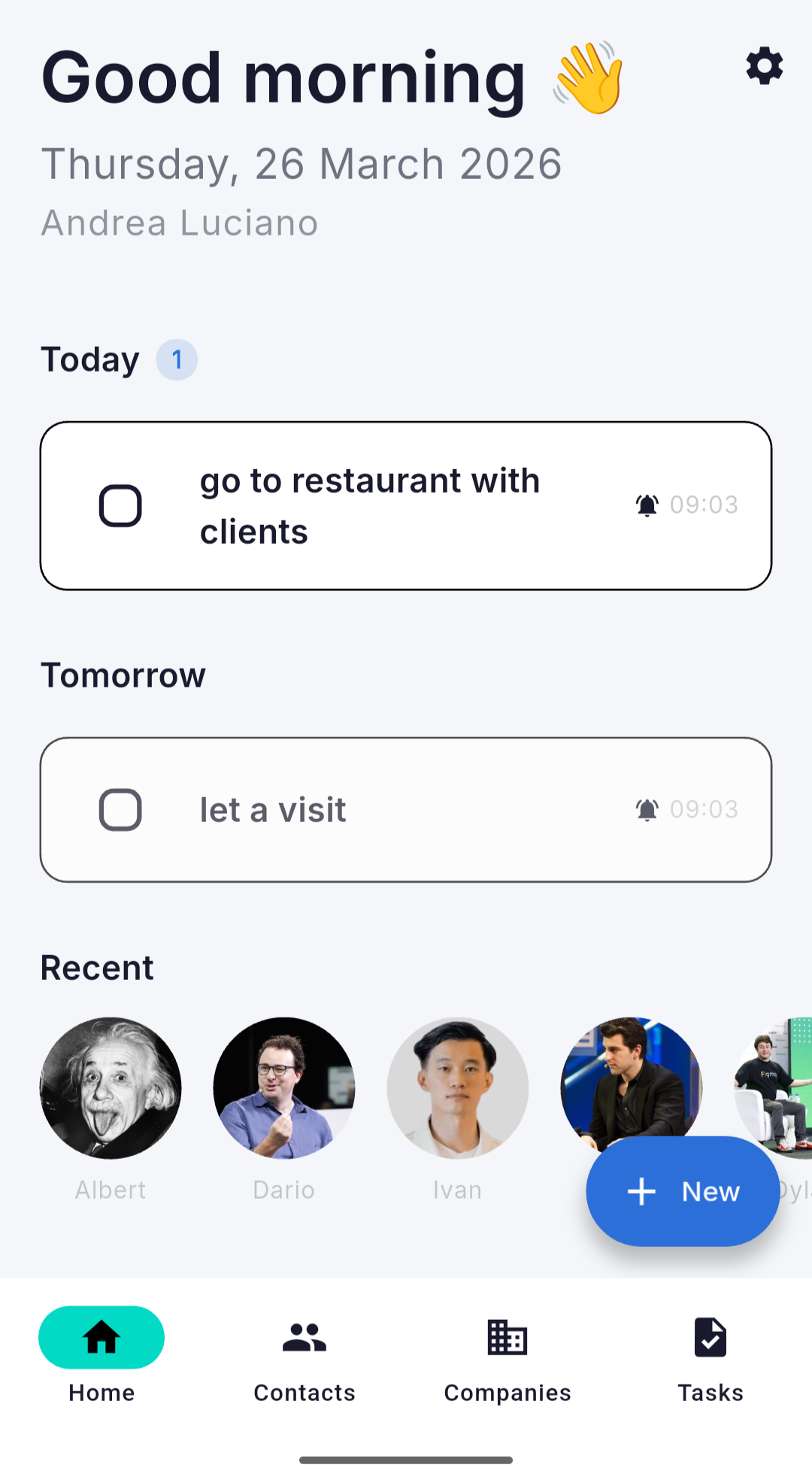
Today Screen
Your daily operations hub. Overdue tasks, today's priorities, tomorrow's agenda and recent contacts — all in one view every morning.
Today Screen
100% Self-Hosted
Connect directly to your own Twenty CRM instance. No middleman. No data collection. Your API token is stored in the device's secure keychain.
YOUR DATA FLOW
📱 App 🔒 HTTPS 🗄️ Your Server
We never see your data. Ever.
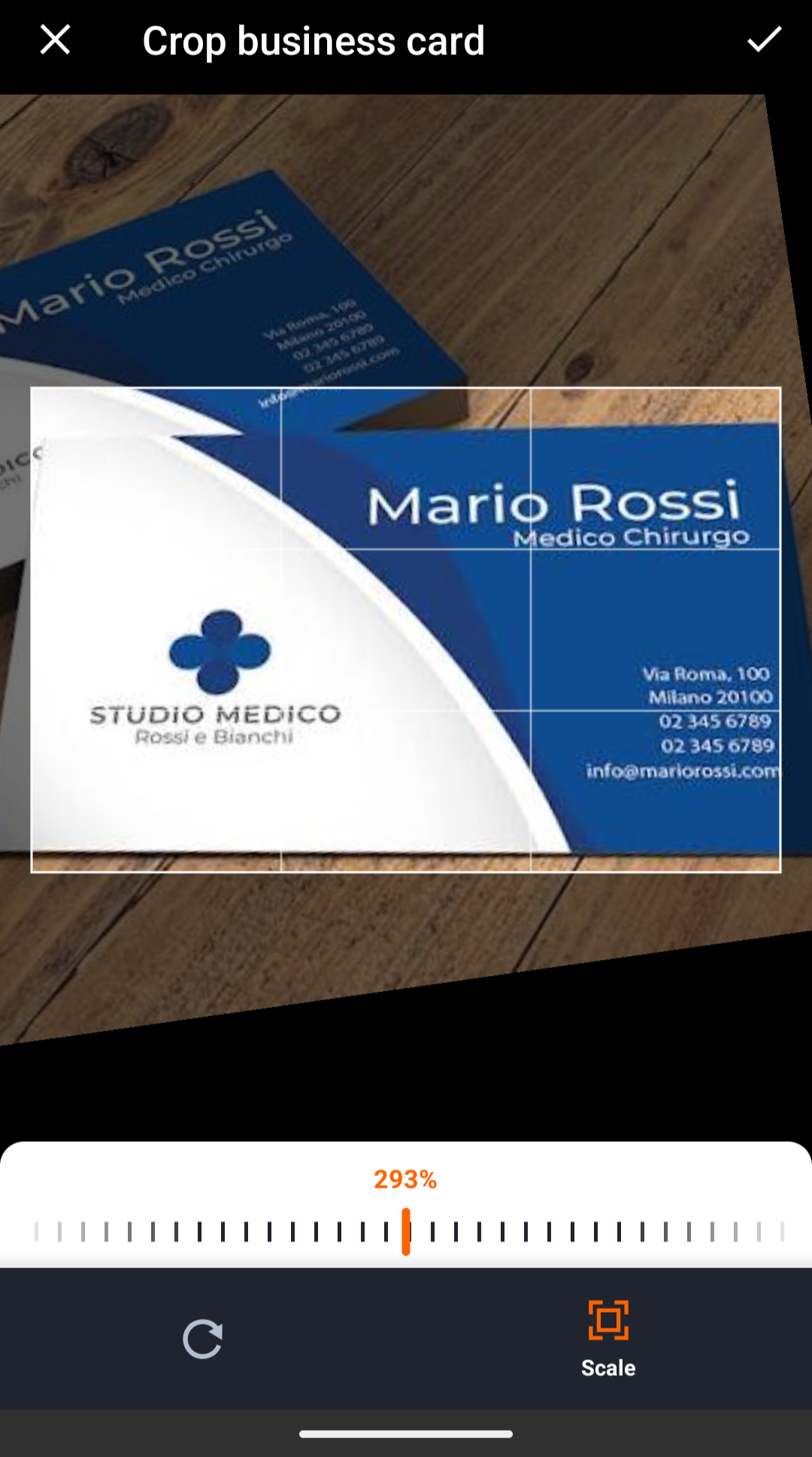
Business Card Scanner
Point, shoot, done. On-device OCR extracts name, email, phone and company. Fully offline — no data leaves your device.
Scanner
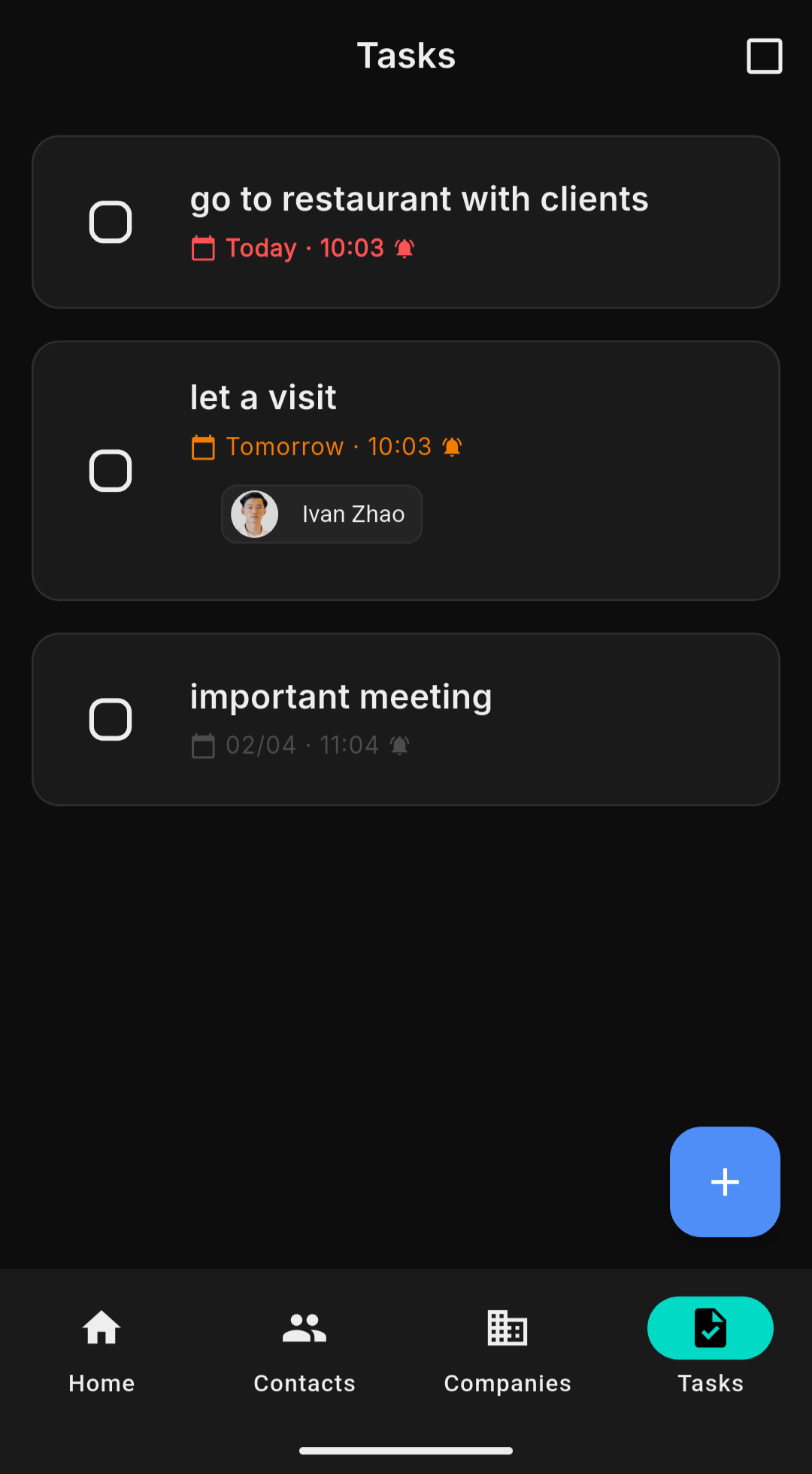
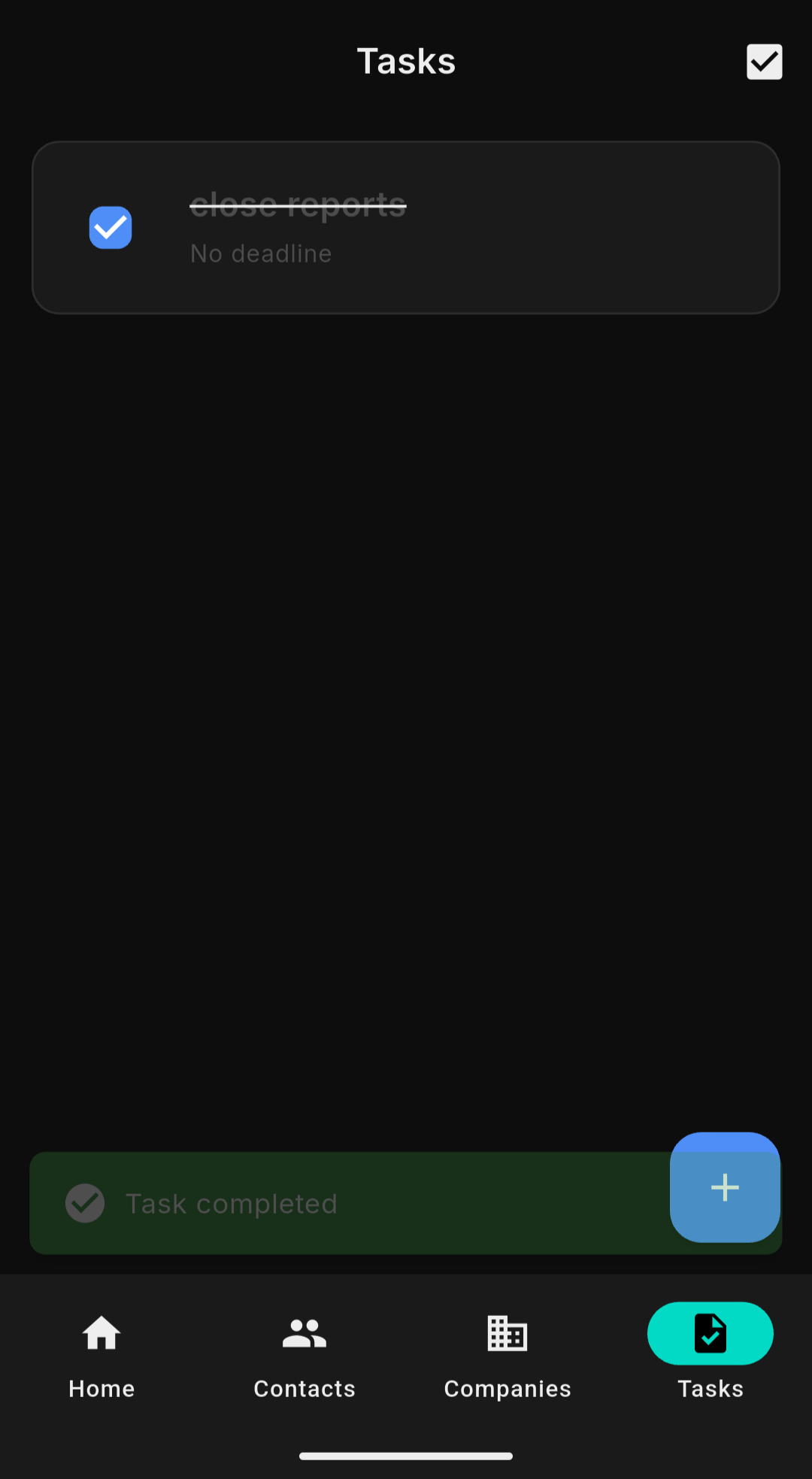
Smart Task Management
Tasks with due dates, time reminders and contact links. Local push notifications 30 minutes before deadlines. Never miss a follow-up again.
Tasks
Voice-to-Text Notes
Record a voice note, get it transcribed on-device, and save it directly to your contact. No typing required.
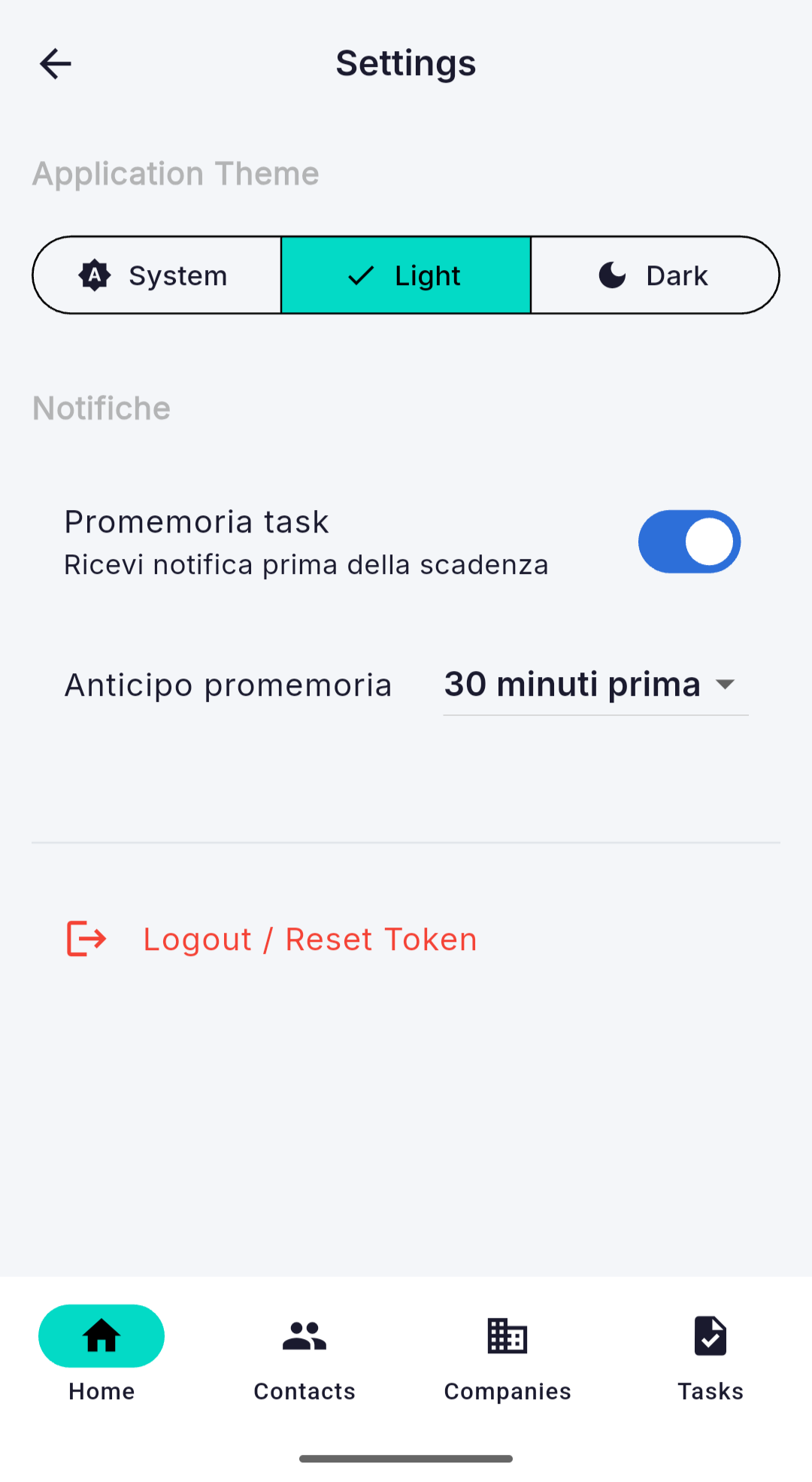
Dark & Light Mode
Follows your system preference automatically. Like this website.
Dark
Light
Currently showing: dark
Share as vCard
Export any contact as a .vcf file. Share via AirDrop, WhatsApp, email or save to your phone's address book.
Built in the open.
Forever.

TwentyMobile is AGPL-3.0 licensed. Read the code, fork it, contribute to it. No black boxes.

AGPL
License
Flutter
Framework
iOS
+ Android + macOS
0
Data collected
# Connect to your instance   instance_url: "https://your-server.com" api_token: "your_api_key"   # That's it. You're in.   data_stored_on_our_servers: false analytics_collected: false ads_shown: false open_source: true
View on GitHub Privacy Policy

Up and running
in 3 steps.

01
Install the app
Download TwentyMobile from the App Store or Google Play. Free, no account required.
02
Connect your instance
Enter your Twenty CRM URL and API token. Find your token under Settings → API & Webhooks.
03
You're in
Your contacts, tasks and companies are instantly available. No sync delay, no loading screens.
Want to try first?
Use the built-in demo mode — no server required.
Try demo mode

Your CRM.
Finally mobile.

Download TwentyMobile and take control of your customer relationships — anywhere.

Download on App Store Get it on Google Play